
Choose a source
Upload clean line art or open your generated ColoringDaily pages from the picker.
UploadMy generated pages
AI Colorizer
Add color to line art, sketches, and generated coloring pages. Compare the original outline with the finished result, then download the PNG when it is ready.
My generated pages
Style
Sign in with Google before starting AI colorizing.
Recent generations
Click a thumbnail to view the colorized result.
AI Colorizer turns black-and-white coloring pages into color results that you can download as PNG when the task finishes. Use your own line art, sketches, or a page already made with ColoringDaily, then compare the original outline with a colored version.
The colorizer is built for line art that already exists. It helps parents, teachers, and creators see how a coloring page might look when finished, without replacing the original printable outline.
The result is useful for covers, examples, social previews, thumbnails, and listing images where a plain black-and-white page does not communicate the final feel.
Line art
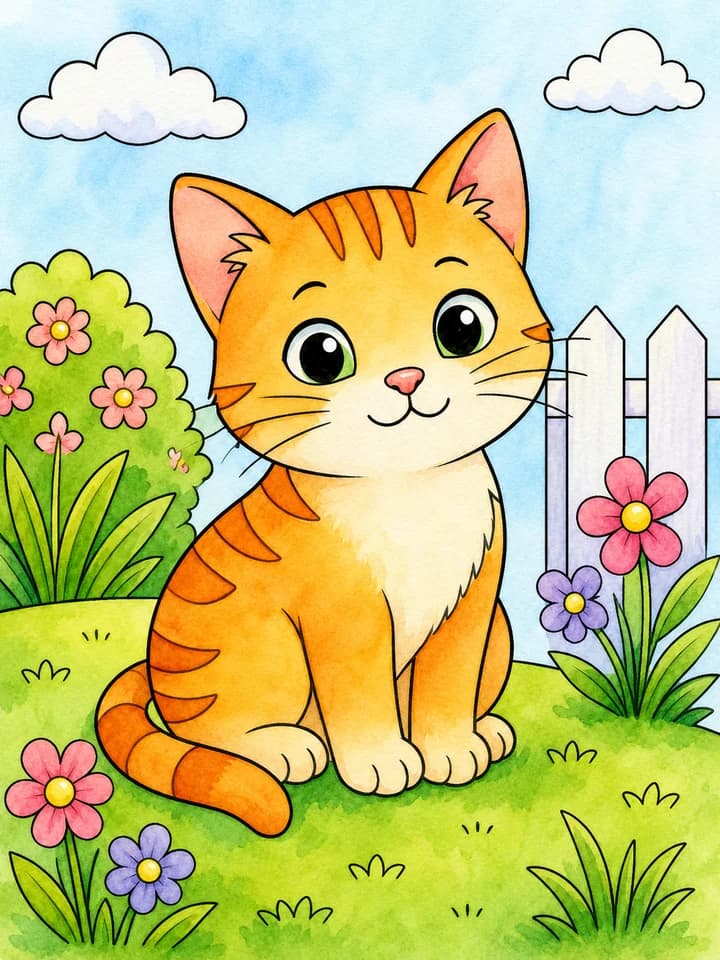
Watercolor preview
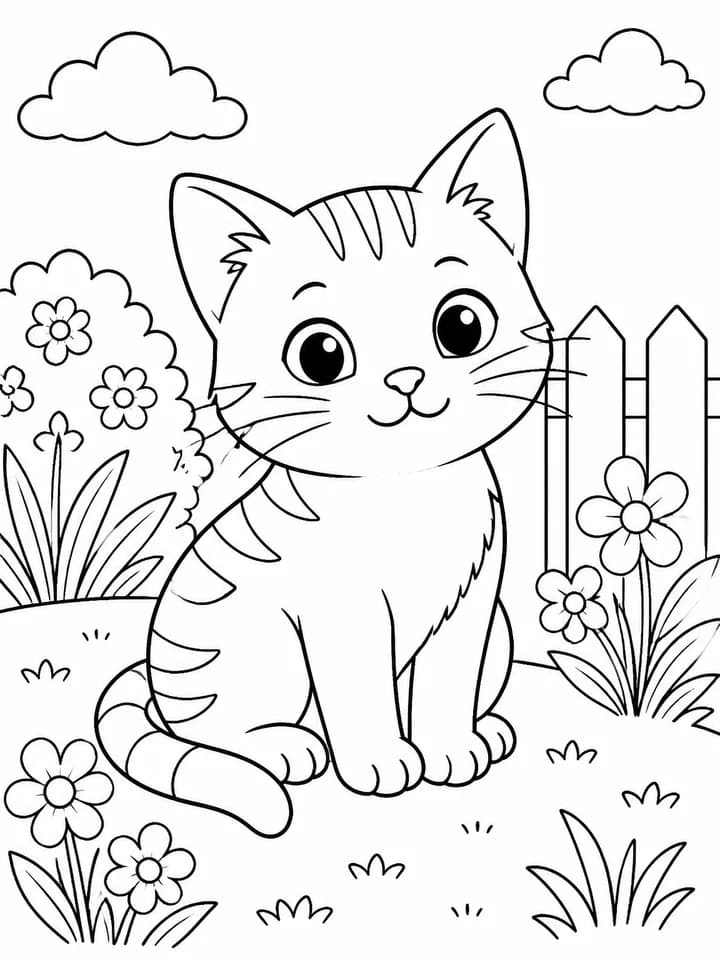
Line art
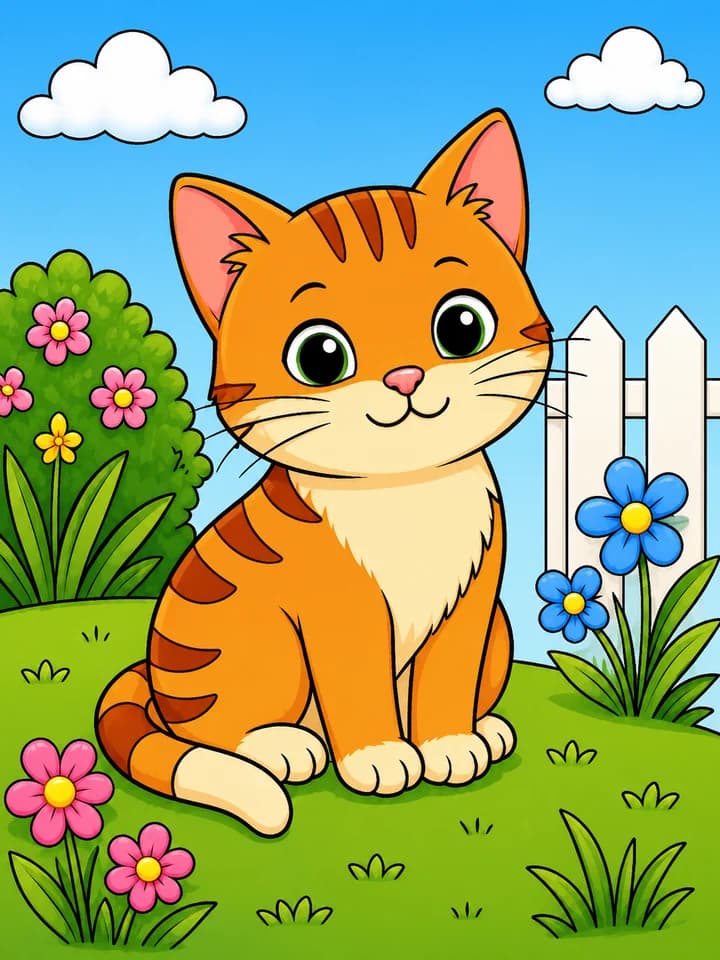
Clean digital preview
The flow mirrors the actual AI Colorizer interface: source selection, style selection, preview, PNG download, and recent generation history.
Upload clean line art or open your generated ColoringDaily pages from the picker.
Select Watercolor, Colored pencil, Crayon, Marker pen, Soft storybook, or Clean digital.
The result appears beside the original outline, with a PNG download button when it is ready.
AI Colorizer is designed around the questions people have after creating line art: which color style works, how the outline compares, and whether the AI result is polished enough to use.
Choose a handmade, playful, vivid, storybook, or polished digital feel while keeping the same source page.
The preview keeps the source line art beside the colored result, so you can inspect the original page while evaluating the finished color direction.
The generation workflow asks the model to preserve the original composition, page geometry, line placement, and printable margins while applying the selected color treatment.
The current style set uses one source line-art page so you can compare how each color treatment changes the finished feel.
Original line art
Watercolor
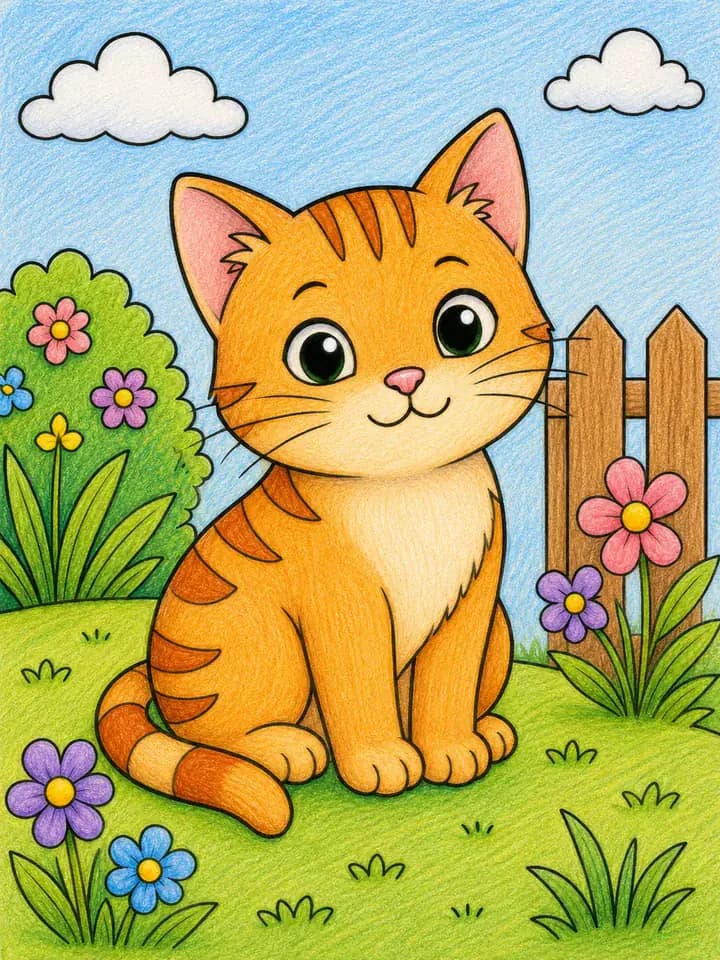
Colored pencil
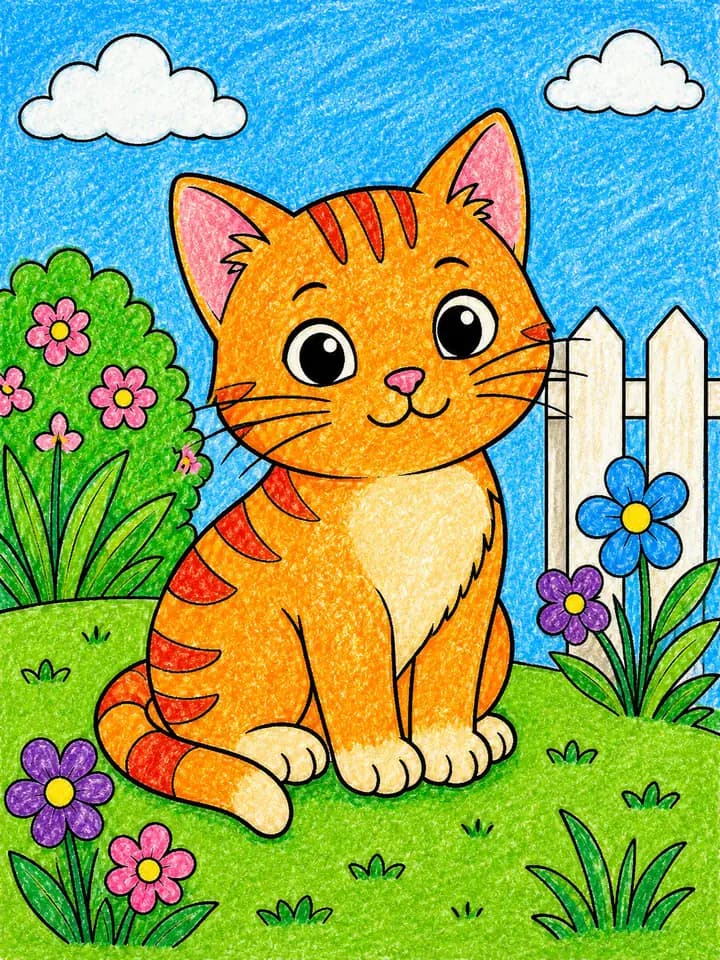
Crayon
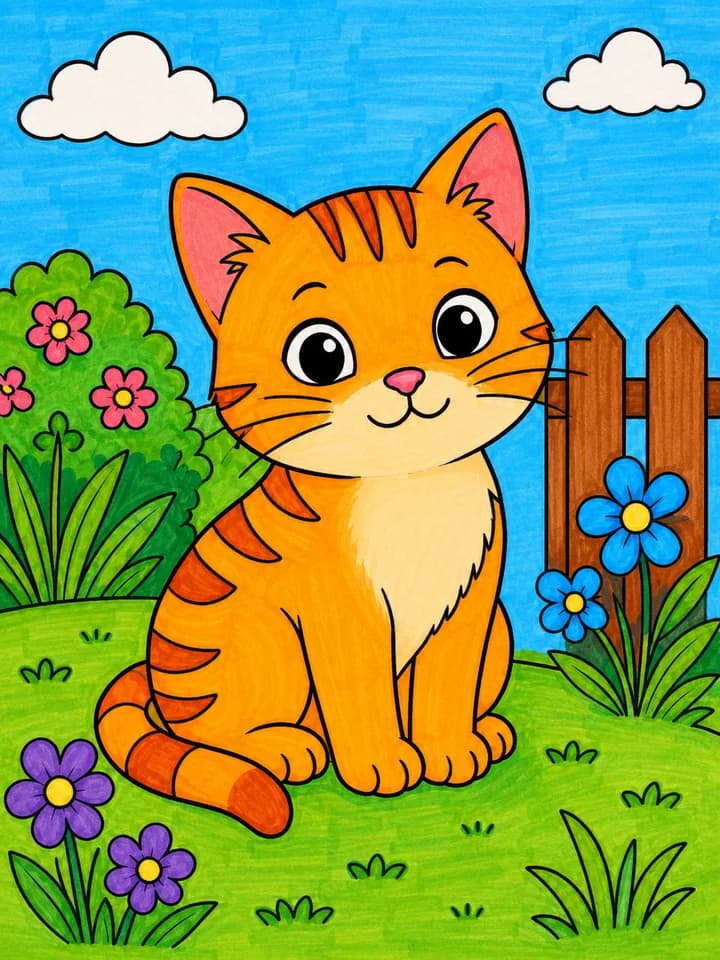
Marker pen
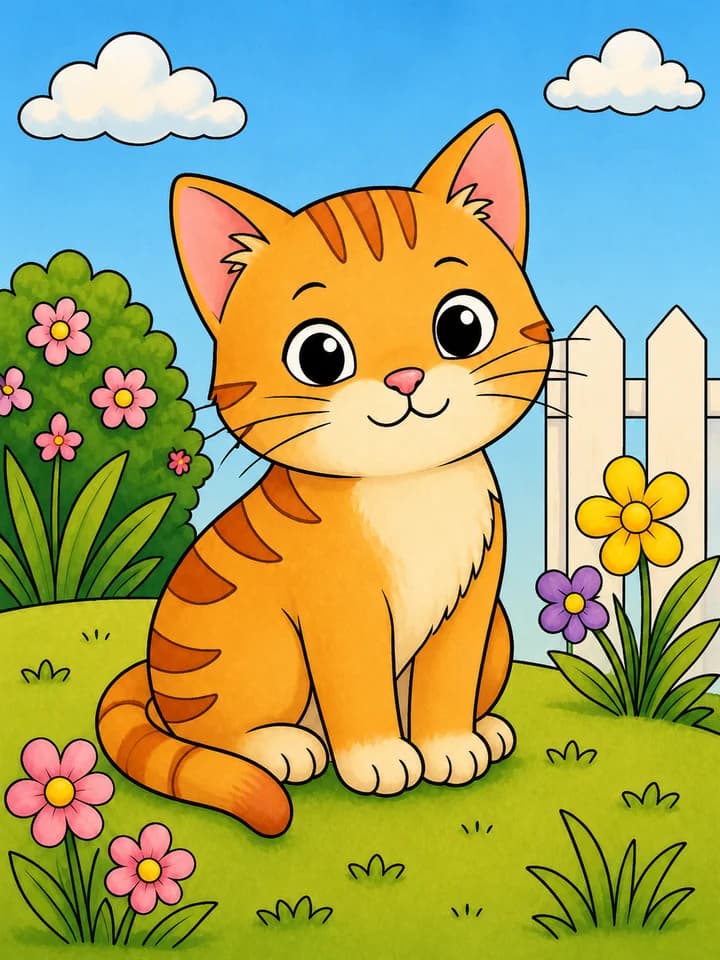
Soft storybook
Clean digital
Move between focused coloring tools without merging their different jobs.
Yes. It accepts clean line art, pages generated in ColoringDaily, and supported uploaded image files. The cat shown before you choose a source is only a style preview.
You can upload a JPG, PNG, or WebP sketch. Clear outlines and enough separation between subjects give the model a better source to work with.
Yes. Starting an AI colorizing task requires Google sign-in. The button shows the current Standard credit cost before you submit.
Use it as a colored example for covers, thumbnails, classroom previews, product listings, or social sharing, subject to the rights you have in the source image.
The current styles are Watercolor, Colored pencil, Crayon, Marker pen, Soft storybook, and Clean digital.
When a colorizing task succeeds, the tool provides its generated PNG result. It does not create printable PDF or SVG files for colorized results.