Coloring Page Generator

Text to Coloring Page Generator

Use this text to coloring page generator to turn written prompts into clean, printable pages with flexible styles, page ratios, and PNG or PDF downloads.

Prompt

Style

Quality

1 credit

Ratio

Sample
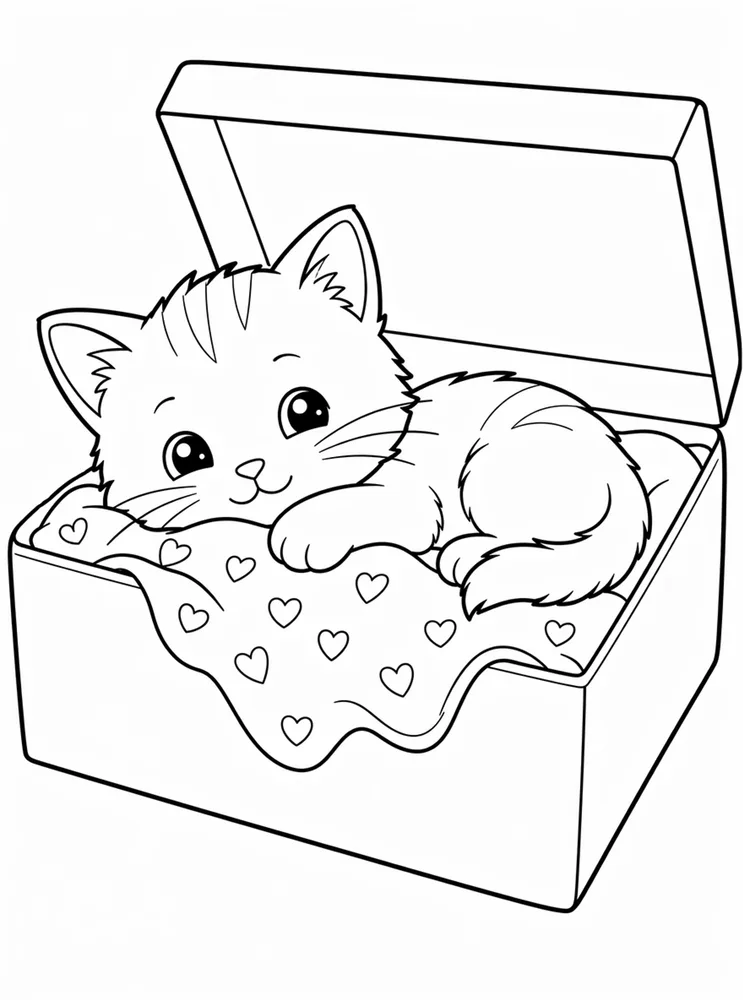
Example coloring page for prompt: A sleepy kitten in a flower garden

A sleepy kitten in a flower garden

Recent generations

Click a thumbnail to view details.

View all
No tasks yet. Create one above and it will appear here with credits and status.
01 · What it does

Turn text ideas into polished coloring pages.

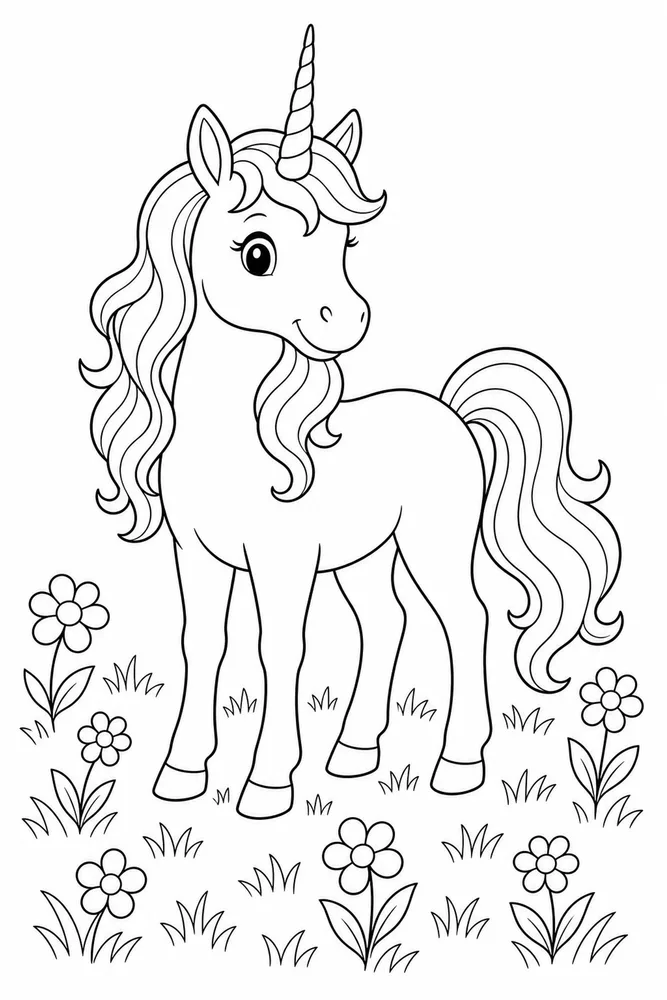
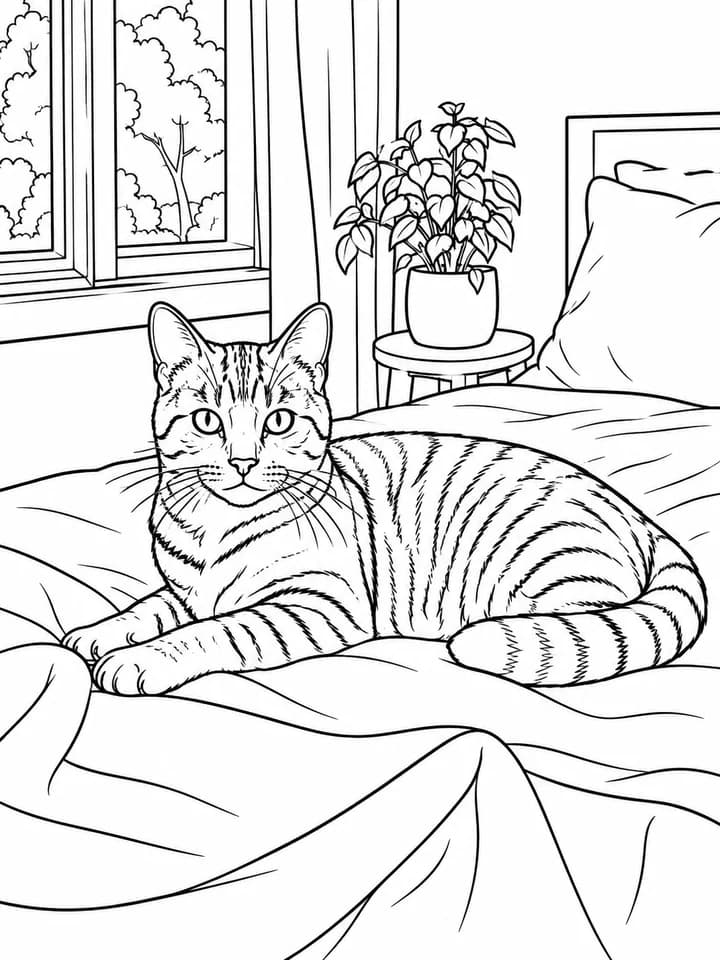
Describe the subject, setting, style, and output ratio, then let ColoringDaily's AI coloring page generator build clean printable line art for you. The tool is designed for people who need pages they can actually print, not just interesting AI images.

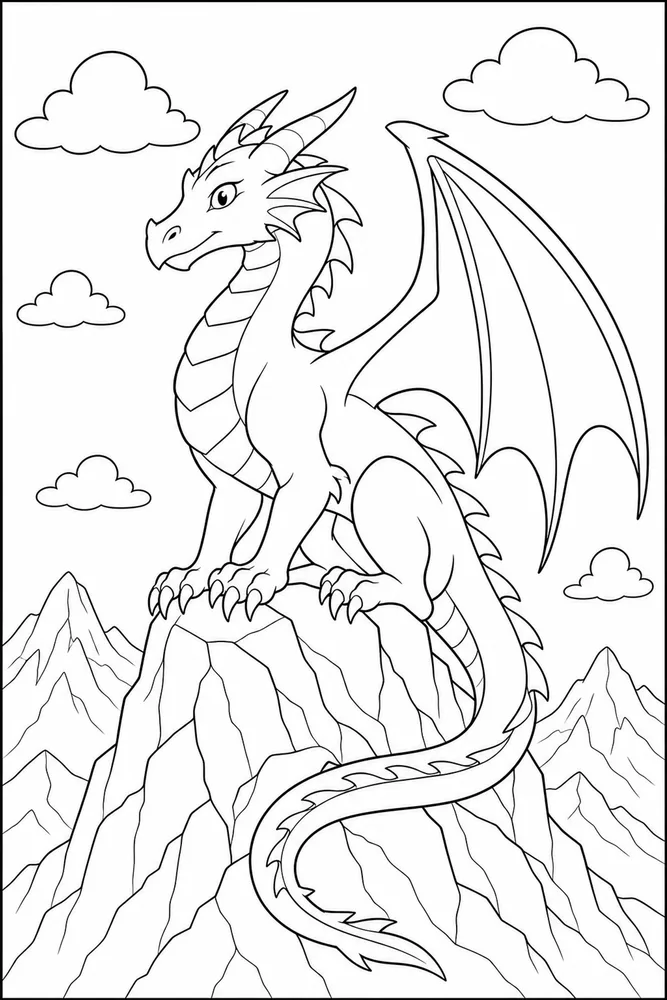
Start with a simple idea like a dragon on a mountain, a cozy flower garden, or a classroom worksheet. This text to coloring page generator turns the prompt into a centered, uncluttered page that is ready for coloring.

New generations include PNG for quick use and vectorized PDF files for Letter and A4 printing, so the printable coloring page stays sharp even when it is enlarged or printed repeatedly.

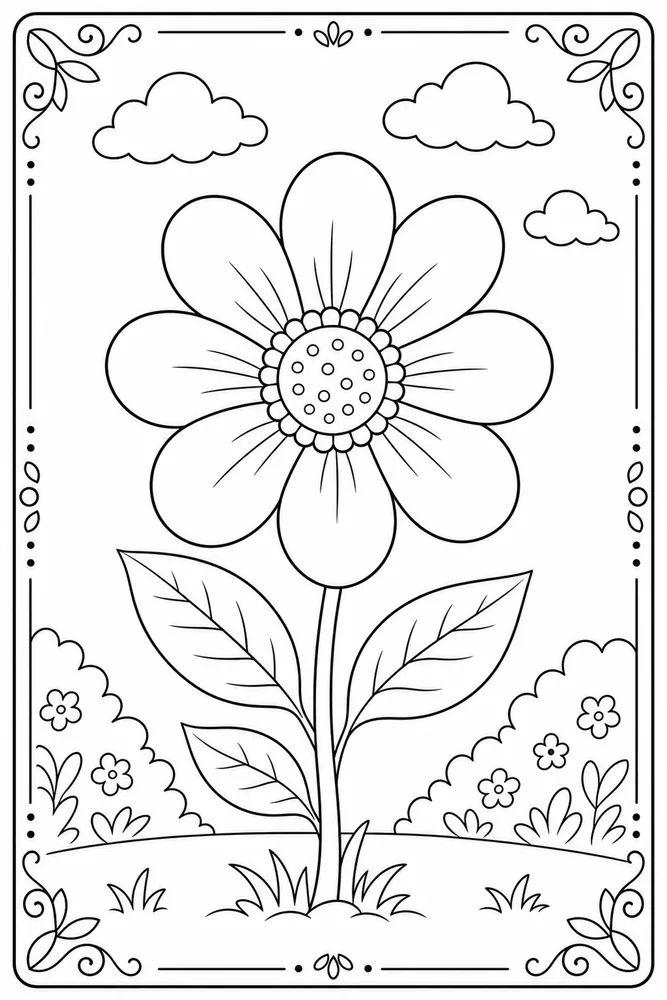
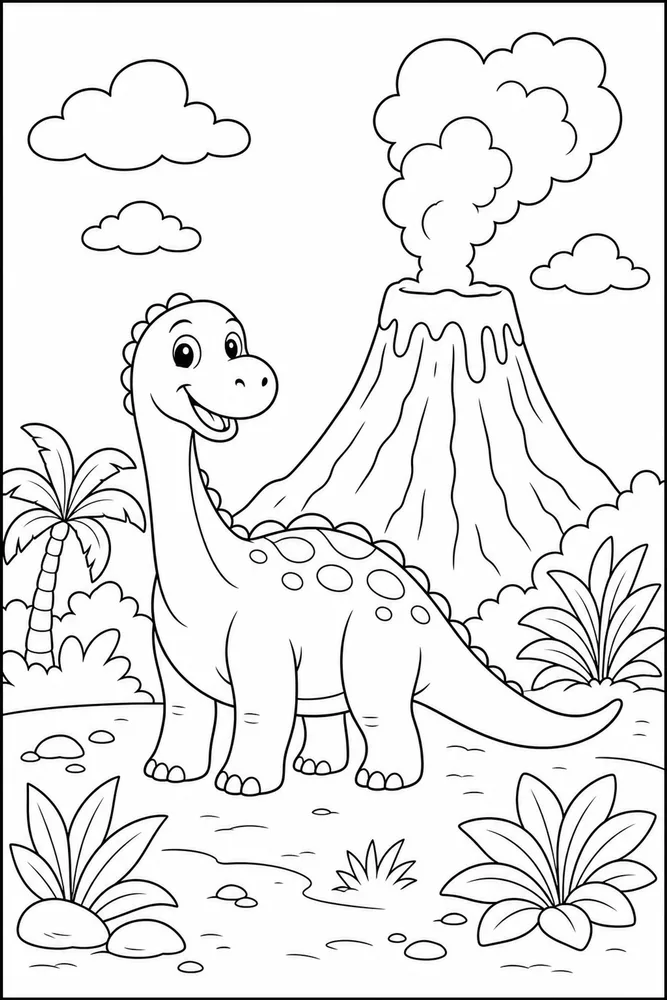
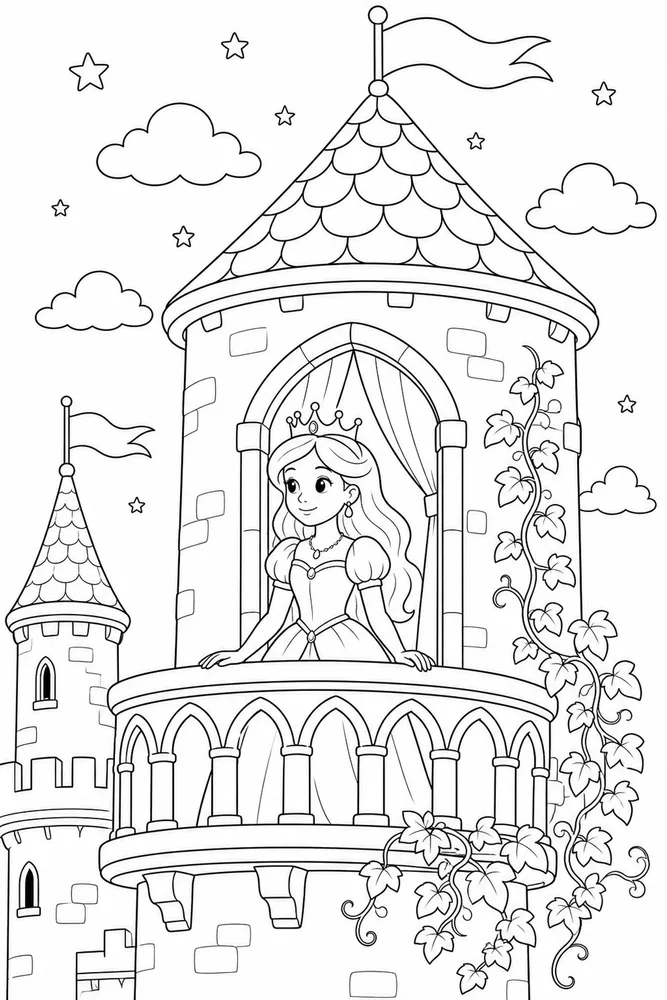
classroom worksheetskids activity pagesadult easy pagescreator printable packs
01Prompt
02Styles
03Vector PDF
04PNG
02 · How it works

Create a printable page in three simple steps.

The three steps now mirror the actual generator: prompt input, style and ratio controls, preview, history, and download actions all appear in one complete tool view.

1

Enter a prompt

Describe one main subject, the scene, and the audience. Short prompts work best when the idea is specific.

Text tool

Prompt

A sleepy kitten in a flower garden with bold, easy-to-color outlines

Style

ClassicCuteStandard3:4
Generate page
LetterA4PNG
2

Choose style and size

Select a recognizable style, pick Standard or High quality, then choose the ratio that fits the page.

Text tool

Prompt

A sleepy kitten in a flower garden with bold, easy-to-color outlines

Style

ClassicCuteStandard3:4
Generate page
LetterA4PNG
3

Download the result

Open the finished result and download Letter PDF, A4 PDF, or PNG from the details view.

Text tool

Prompt

A sleepy kitten in a flower garden with bold, easy-to-color outlines

Style

ClassicCuteStandard3:4
Generate page
LetterA4PNG
03 · Why choose us

Why choose our text to coloring page generator?

In our testing, the biggest user-visible advantages are a stronger Standard result, print files that stay sharp, and enough style coverage for different real use cases.

Quality

Strong output at the standard credit cost

Standard is designed as a usable printable result, not a low-quality preview. For many everyday prompts, users can start with the lower-cost option and only move to High when they need extra detail.

  • Usable quality from the basic option
  • Cleaner outlines before upgrading
  • High remains available for complex pages
Print

Vector PDFs for sharper home printing

A PNG is useful for quick digital work, but printable pages need files that stay sharp. New results include Letter and A4 vector PDFs.

  • Letter PDF for US printing
  • A4 PDF for international printing
  • PNG for quick downloads
Styles

More styles for different coloring needs

The style set covers kid-friendly pages, simple adult activities, richer detailed pages, calm patterns, and creator-ready printable packs.

  • Kids, classroom, and family pages
  • Adult Easy and calm designs
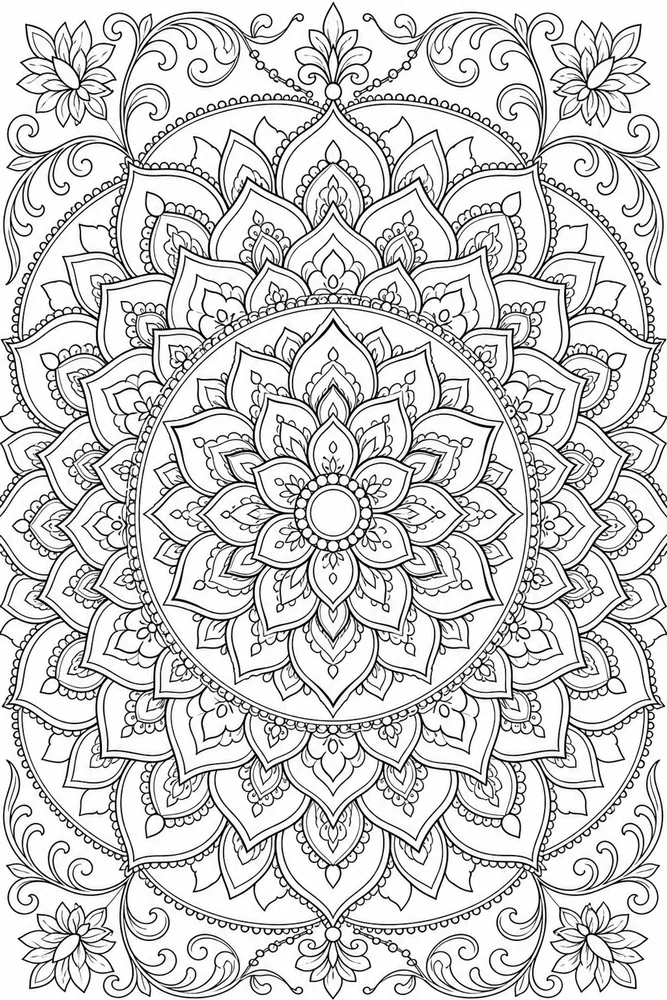
  • Detailed and Mandala pages
ClassicSimpleCartoonCuteAnimeAdult EasyDetailedMandala
06 · FAQ

Honest answers to practical questions.

01Is this an AI coloring page generator?+

Yes. The text tool is the prompt-based part of ColoringDaily's AI coloring page generator. You describe the subject, audience, style, and detail level, then download the printable result.

02What makes a good prompt?+

Name one main subject, the age range, the style, and the desired detail level.

03Can I download vector PDF files?+

Yes. New generations include vectorized Letter and A4 PDFs, plus a PNG option for digital use.

04What is the difference between Standard and High?+

Standard is tuned for clean printable output at a lower credit cost. High uses the upgraded route when you want stronger detail and composition.

05Which ratio should I choose?+

Use 3:4 or 4:3 for most printable pages, 1:1 for square activities, and 16:9 for wide scenes.

06Can I make classroom pages?+

Yes. Use simple educational subjects and choose a clean printable detail level.

07Can I make copyrighted characters?+

Use original ideas instead of protected characters, celebrities, or brands.

Advertising measurement choices

With your permission, Google Ads can measure whether an advertisement leads to a completed purchase. We do not send full payment card details. Privacy Policy