
Upload a clear photo
Start with one main subject and a photo you have permission to use.
JPG, PNG, WebPMax 10 MB
Photo tool
Upload
Drop a photo
Max 10 MB
DefaultCartoonStandard3:4
Convert
A4LetterPNG
AI Coloring Page Generator
Upload a photo you own and turn it into clean, printable coloring line art with AI. Choose a style and quality level, then download the available formats.
Style
Quality
2 credits
Ratio
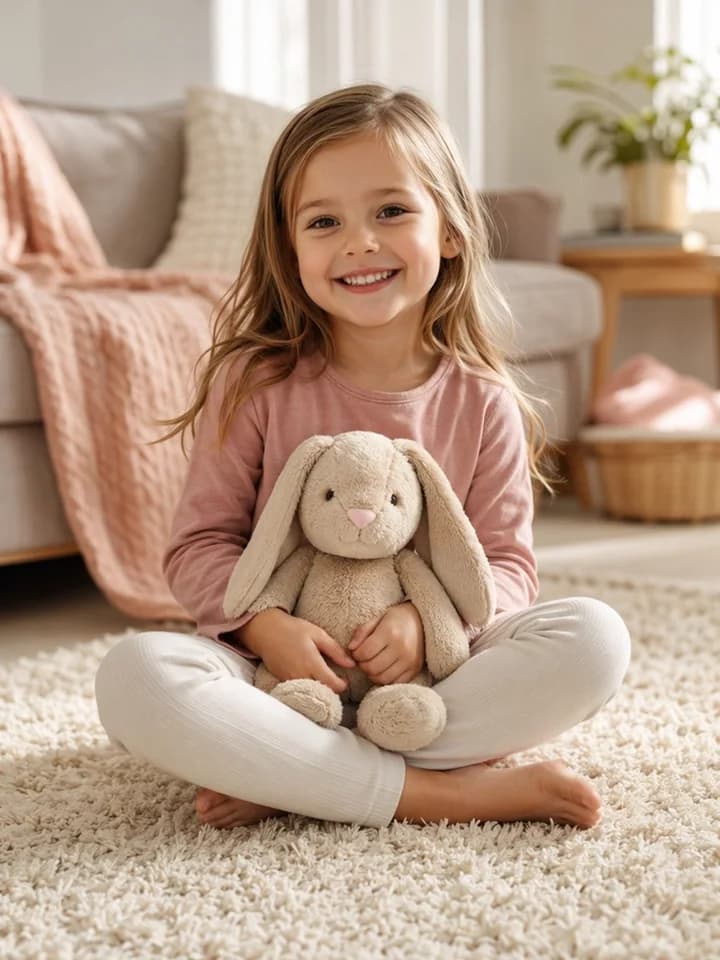
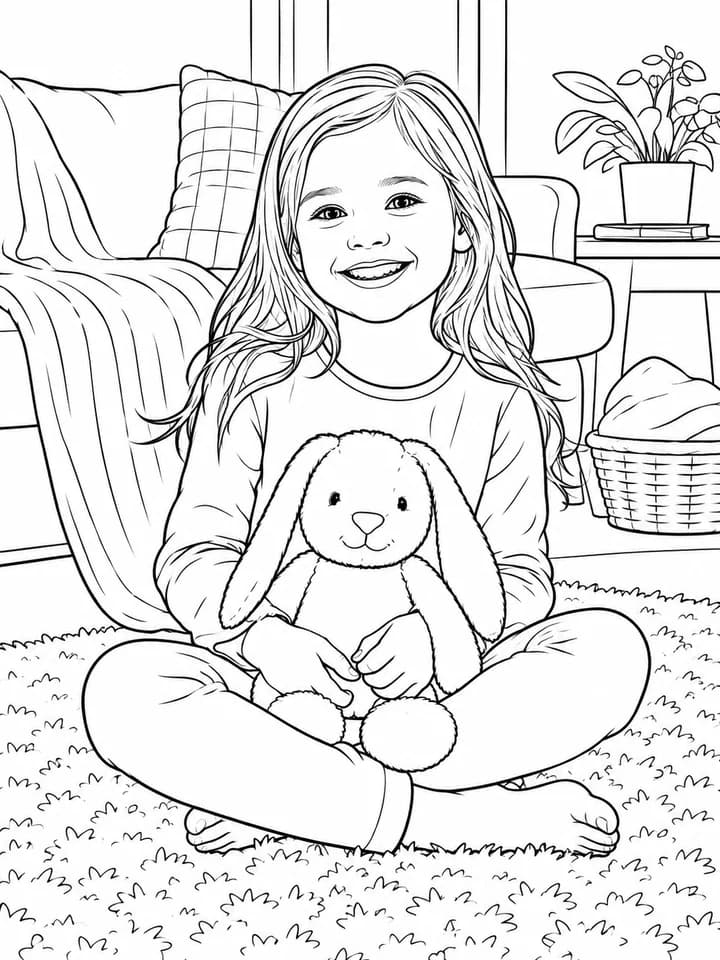
Child with a plush toy
Portrait photo converted into friendly printable line art.
Recent generations
Click a thumbnail to view details.
Upload a photo you own, choose a style and quality level, then convert it into black-and-white line art for coloring. This workflow uses real images as its starting point instead of written prompts.
Use an existing memory or reference: a child with a favorite toy, a pet portrait, a birthday setup, a classroom object, a family photo, or a simple product photo. The converter simplifies the main subject into outlines with spaces that are easier to color.
Files are checked against the upload limit before generation. When the result is ready, open it from your history and download whichever PNG, SVG, PDF A4, or Letter PDF files are available for that result and your access.
Uploads are checked against the real 10 MB limit, then converted into black-and-white line art. Preview, history, status, and available downloads stay in the same workflow.
Start with one main subject and a photo you have permission to use.
Upload
Drop a photo
Max 10 MB
Pick the line-art style, output ratio, and credit tier before converting.
Upload
Drop a photo
Max 10 MB
Open the finished result and download the formats that are actually available.
Upload
Drop a photo
Max 10 MB
The converter works best when it can separate the main subject from the background. Choose a photo with one clear focal point, enough light, and visible edges. Crowded scenes and heavy shadows usually create busier outlines.
Portraits, pets, toys, and family photos work best when the subject fills most of the frame. Crop away empty space and unrelated objects, but keep important details such as eyes, ears, hands, or the outline of a favorite toy.
Natural light and a plain background help separate the subject from surrounding details. If the photo contains patterned walls, furniture, or several people, use a tighter crop around the main subject.
Use PNG for quick sharing, SVG when scalable line art is available, and PDF A4 or Letter PDF for printing. Standard suits many simple photos; High is available when the image needs more detail.
Start with a conversion tuned for clean, recognizable line art. Standard is the lower-credit option, High is available for harder details, and the result view only shows files that were actually produced and can be downloaded.
Standard uses the photo-to-line-art route at 2 credits and is a practical starting point for portraits, pets, toys, objects, and everyday scenes. High is available when faces, fur, small objects, or the background need more detail.
Finished results can include PNG plus SVG and printable PDF options. When vector files are available, their line paths stay sharp when the drawing is resized or printed.
Choose Default for a clean conversion, Cartoon for a more playful result, Simple for fewer details, or Pencil when a softer sketch effect suits the photo.
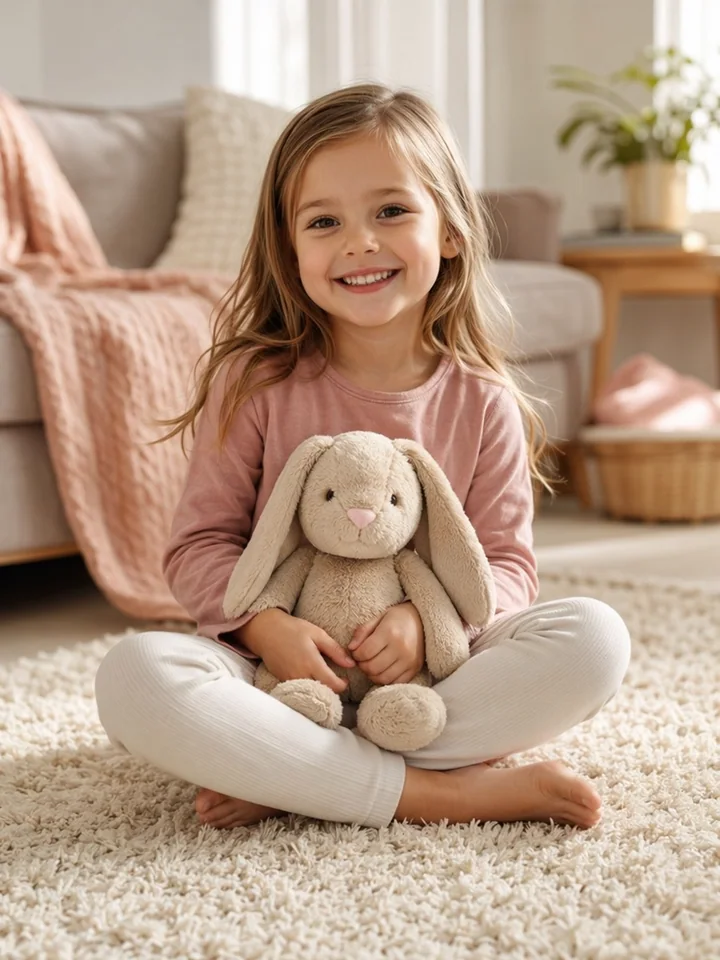
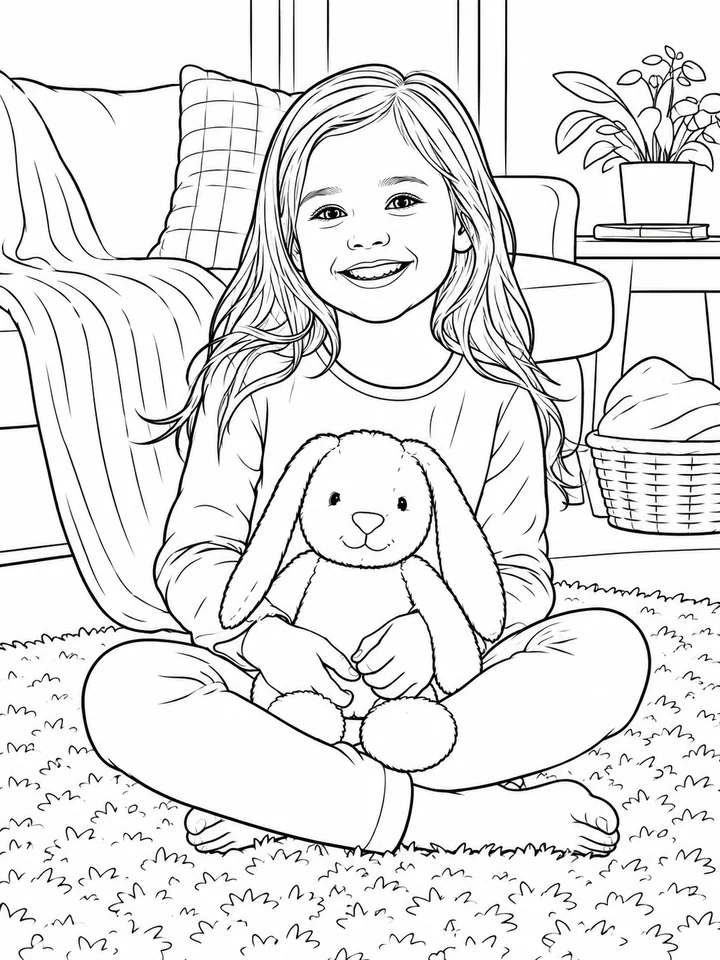
Portrait photo converted into friendly printable line art.
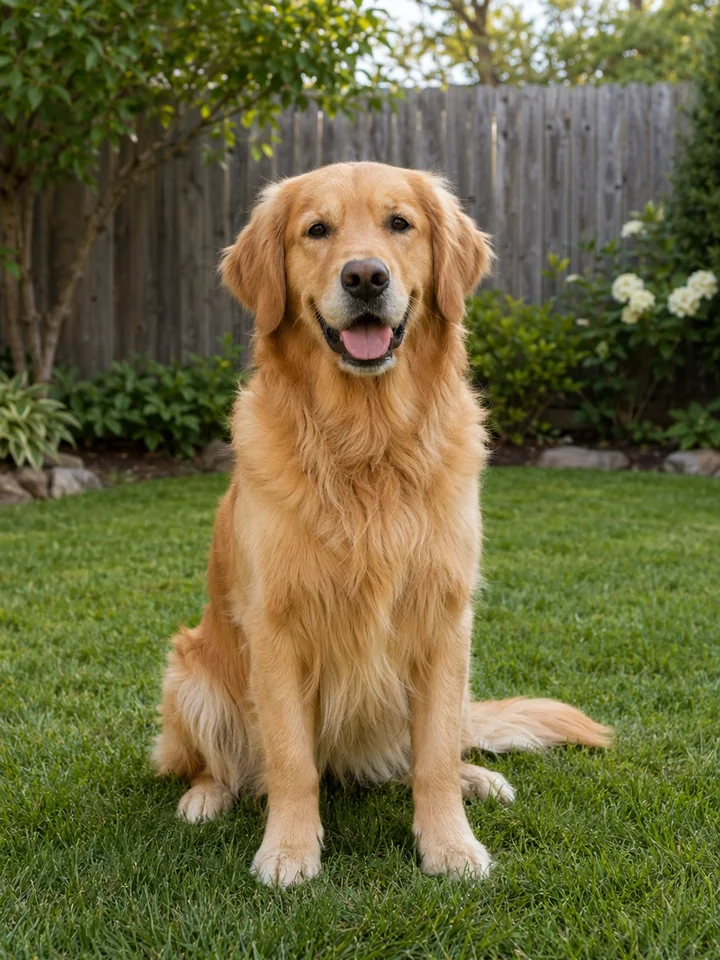
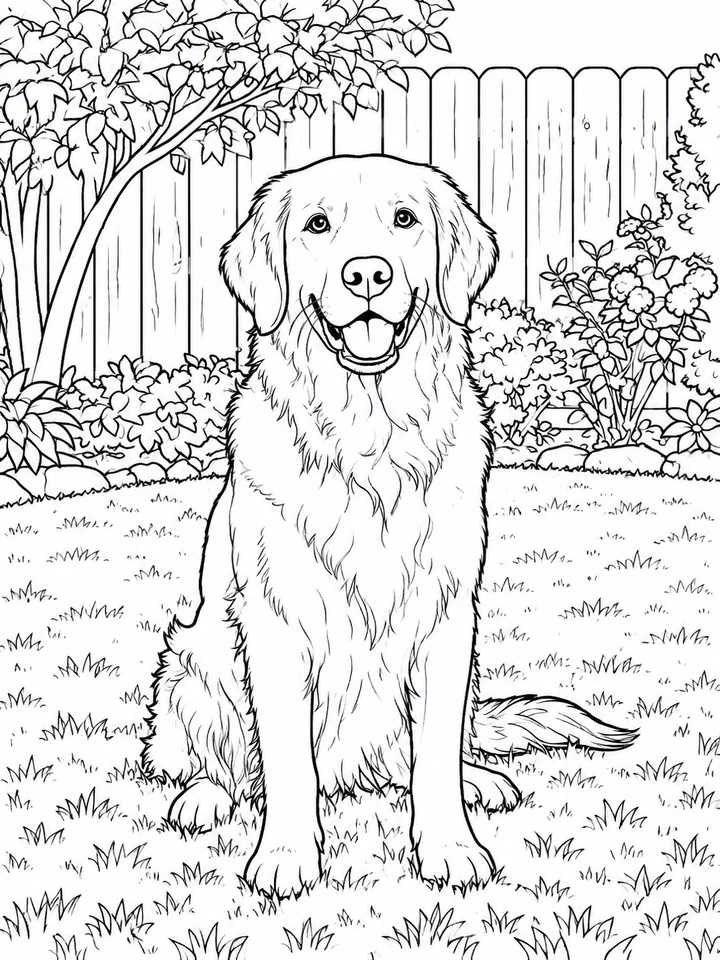
Pet photo converted into a family-friendly coloring page.
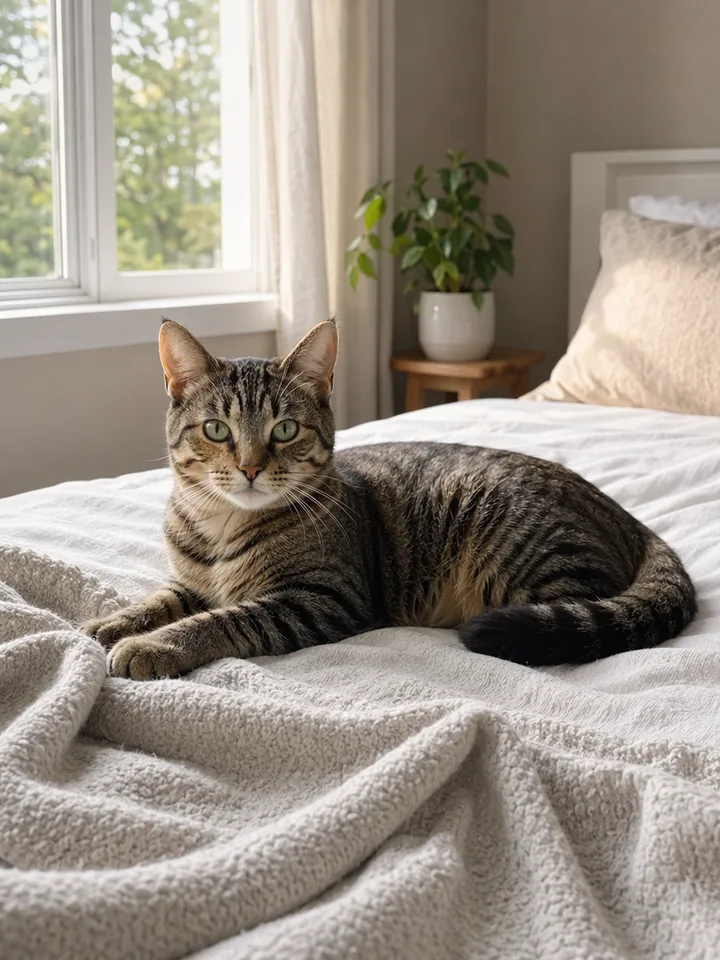
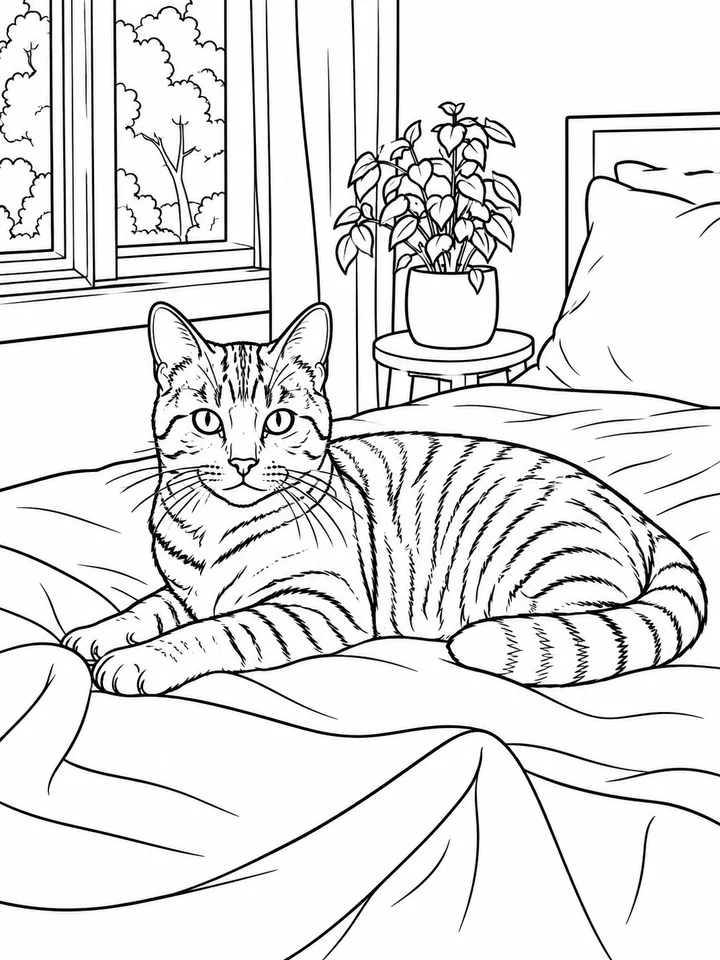
Indoor pet photo cleaned up for printable coloring.
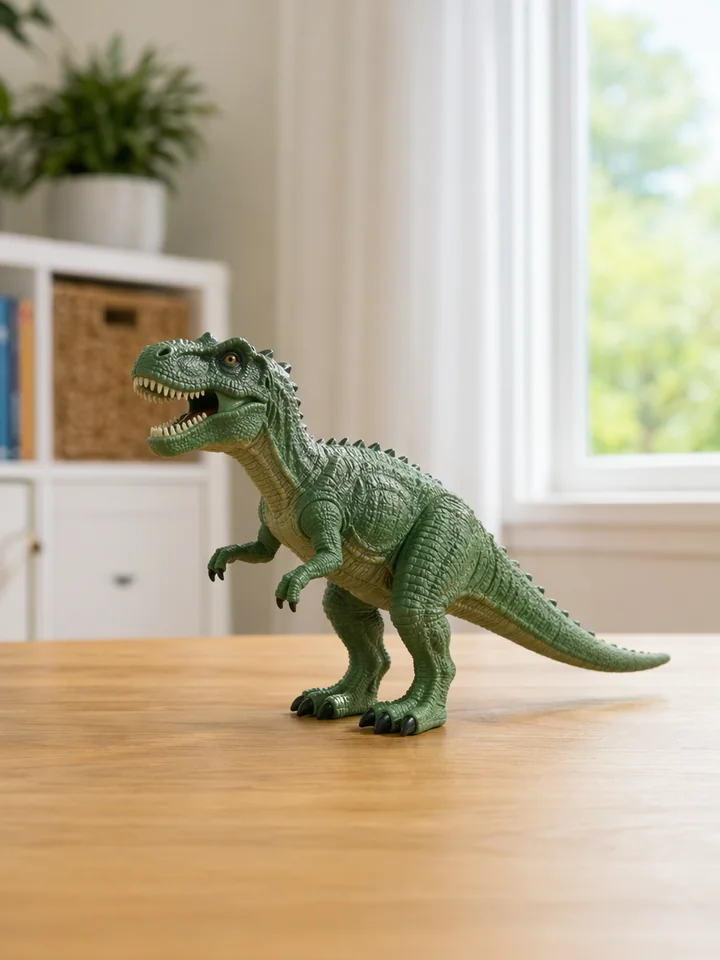
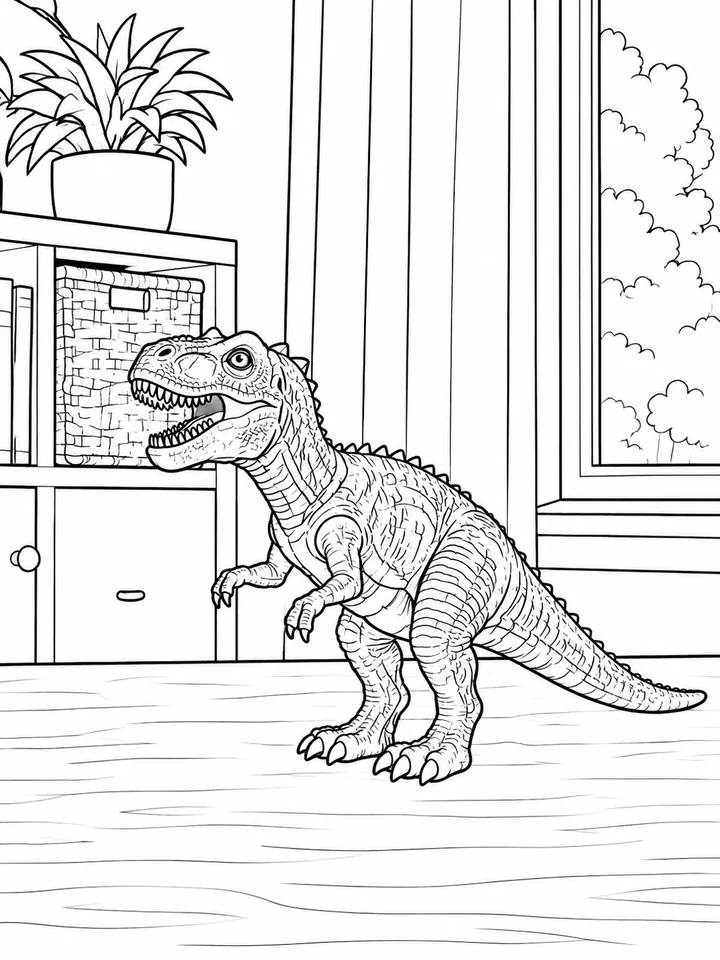
Toy photo simplified into clean printable outlines.
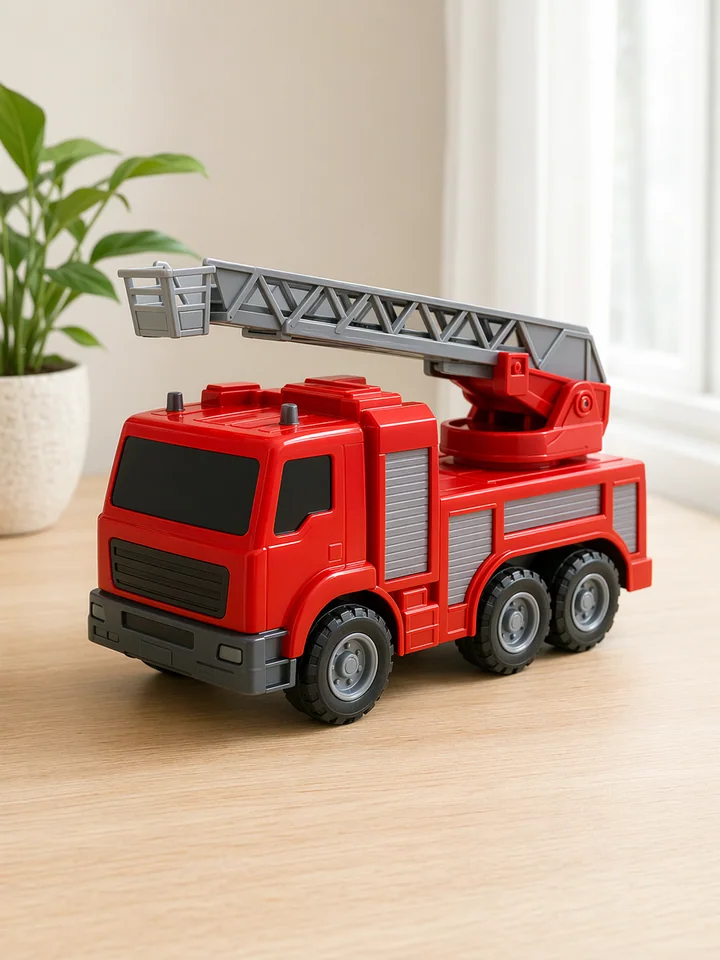
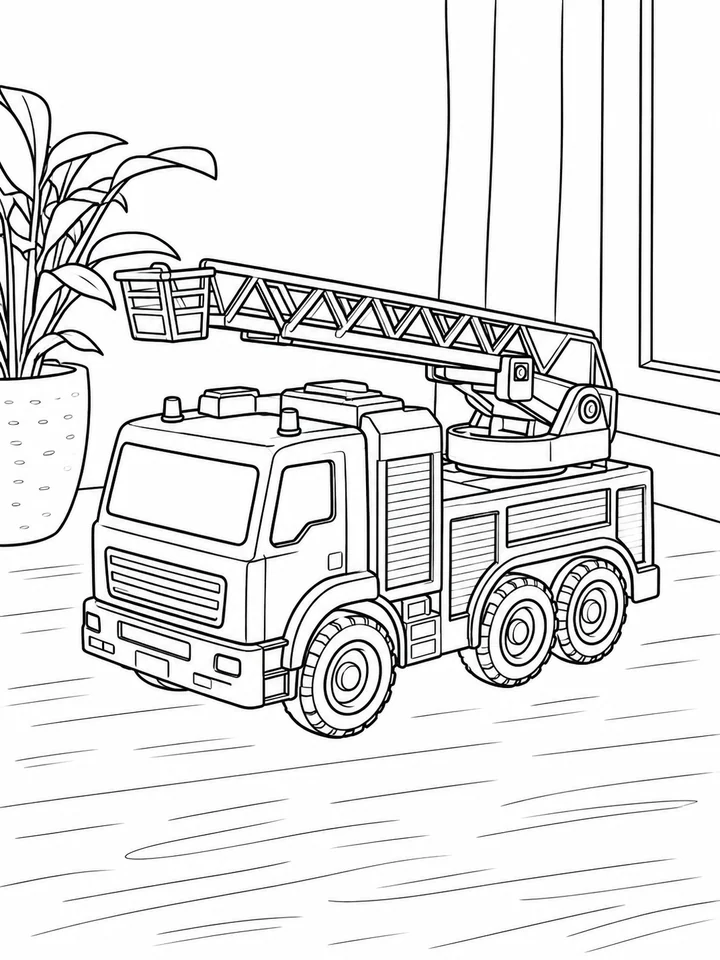
Toy vehicle photo turned into bold printable line art.
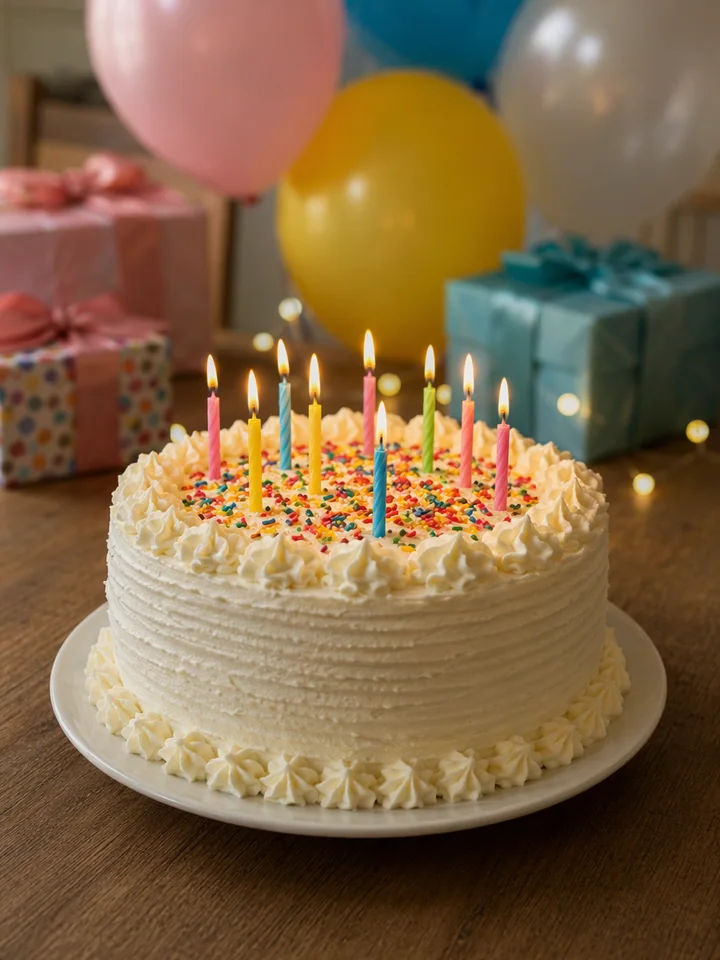
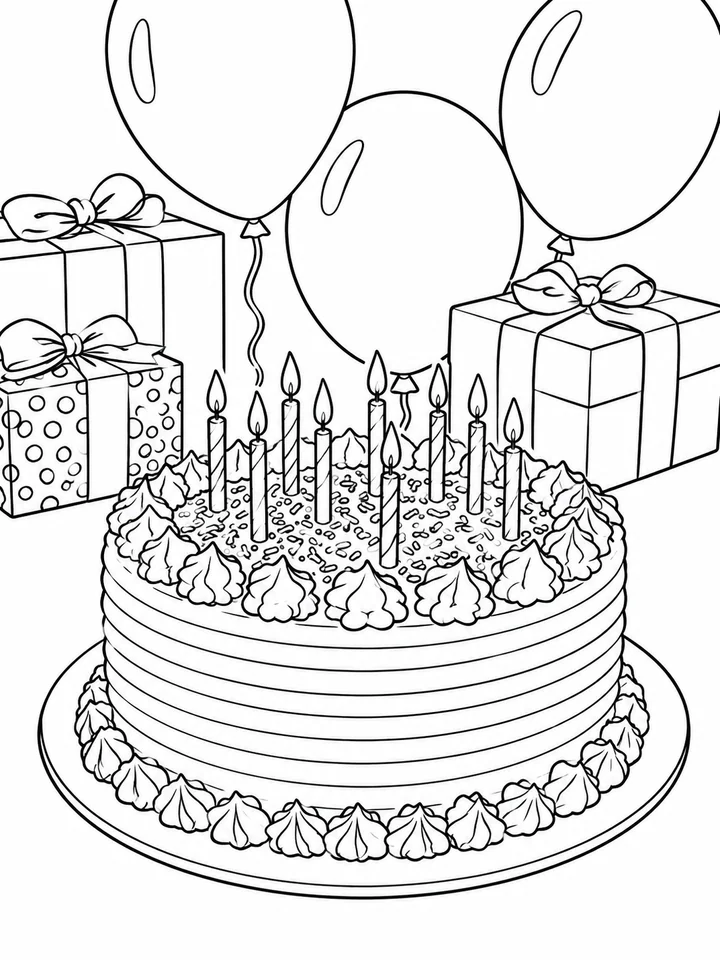
Party photo converted into a celebration coloring page.
Move between focused coloring tools without merging their different jobs.
Upload a JPG, PNG, or WebP photo you have permission to use, choose a style and quality level, then generate the coloring page and download the formats available for the finished result.
Use a clear photo you have permission to use, with one main subject, good lighting, and a simple background. Portraits, pets, toys, family photos, and classroom objects are good starting points.
Only upload images you have permission to use. Avoid protected characters, brands, celebrities, and private photos that you are not authorized to process.
The result view can provide PNG, SVG, PDF A4, and Letter PDF. It only shows formats that were produced for the result and are available with your access.