
Name, names, or short phraseSingle page
Emma
Name text is not saved or written to application logs
01
Enter a name or short phrase
Use up to 3 lines and keep the complete text within 40 characters.
Free printable name maker
Type a name or short phrase, choose from 12 letter styles and 37 free templates, then download an A4 or US Letter PDF or a PNG. No account is required for the free maker.
Letter style
12 stylesSimple Name FrameClassic Bubble · US Letter
Free · Free template library
All current templates are free. Search by theme or choose a category, then apply one to the current name or batch list.
A blank page with no decorative template, leaving only the outlined name.
 Free
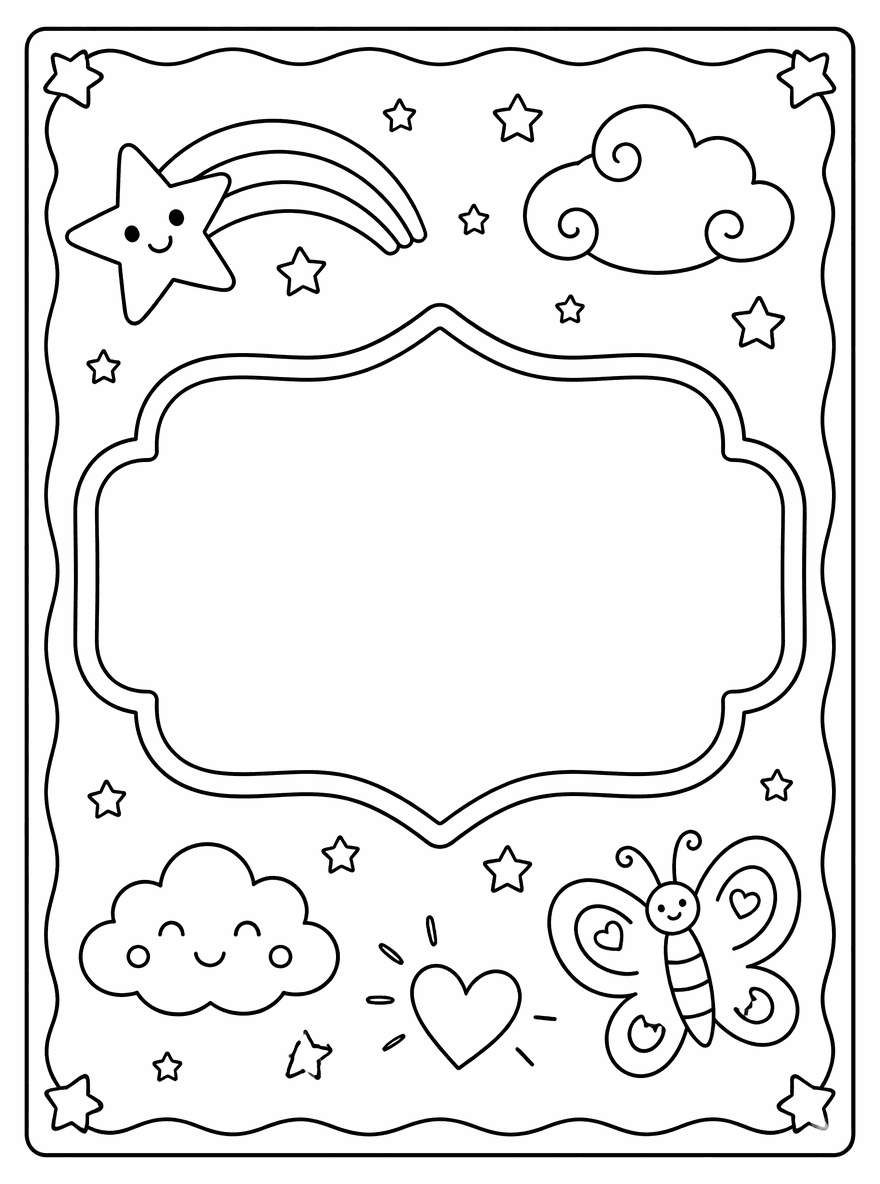
FreeA clean printable frame with a large central name plaque.
 Free
FreeA playful bubble and party frame for younger kids.
 Free
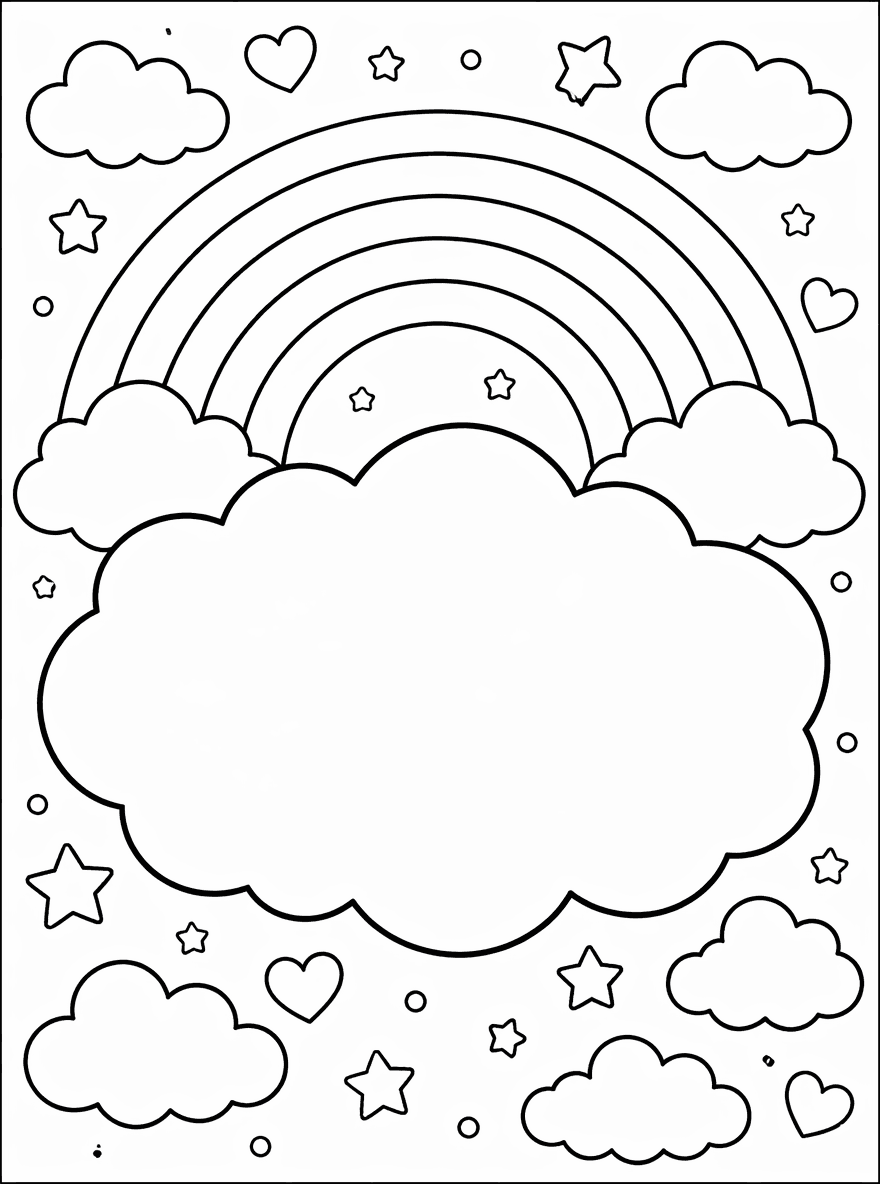
FreeA rainbow cloud template with a soft blank cloud area.
 Free
FreeA star reward frame for posters, rewards, and classroom display.
 Free
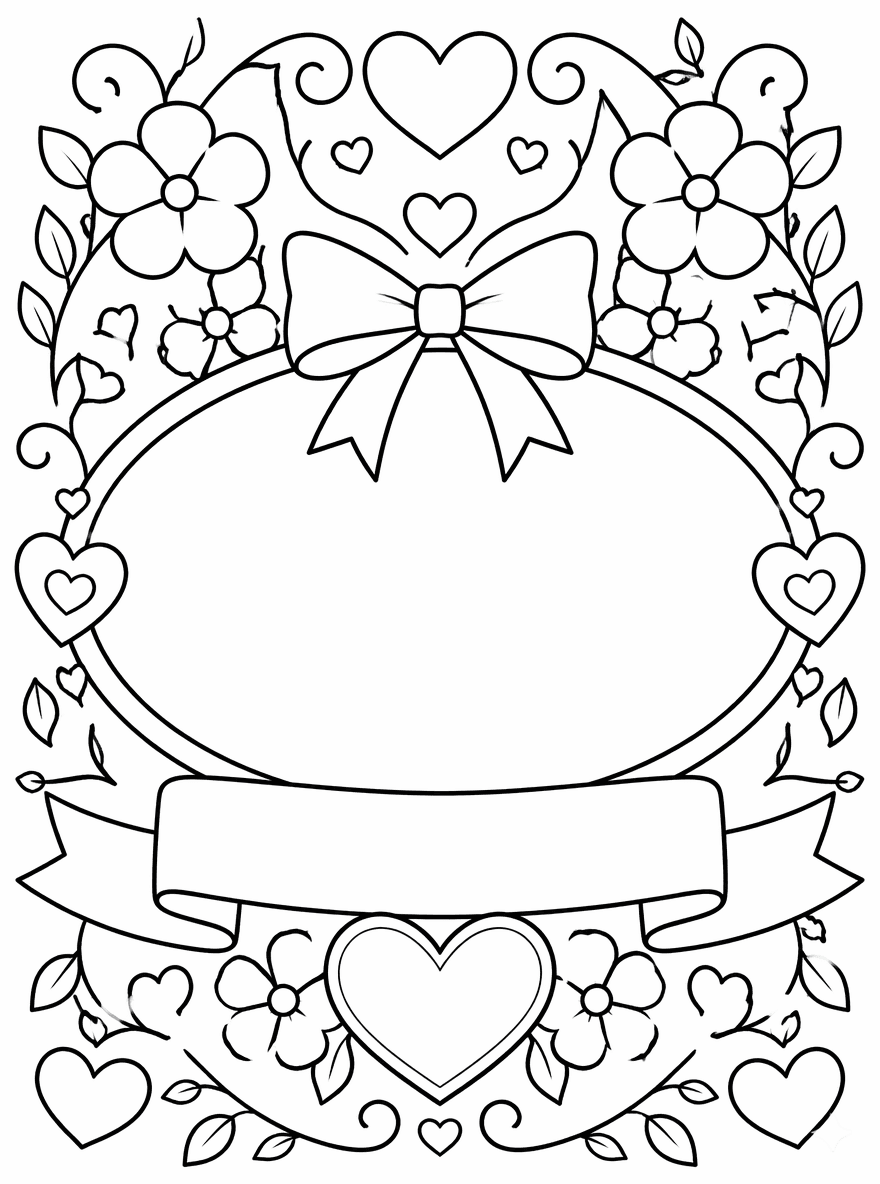
FreeA hearts and flowers design for gifts and calmer name art.
 Free
FreeA geometric frame with large printable coloring shapes. Best for short names.
 Free
FreeA classroom frame with pencils, crayons, books, and a backpack.
 Free
FreeA back-to-school desk design for welcome pages and first week activities.
 Free
FreeA classroom poster with a large initial area and a separate name plaque.
 Free
FreeA playful block and puzzle template for early learners.
 Free
FreeA reward badge template for student stars and classroom celebration.
 Free
FreeA birthday cake and party template for birthday name pages.
 Free
FreeA balloons and confetti page with a central party banner.
 Free
FreeA gift box frame with a ribbon plaque for personalized pages.
 Free
FreeA superhero-inspired badge for bold personalized name pages.
 Free
FreeA dinosaur adventure scene with a central stone plaque.
 Free
FreeA unicorn rainbow scene with a large cloud name area.
 Free
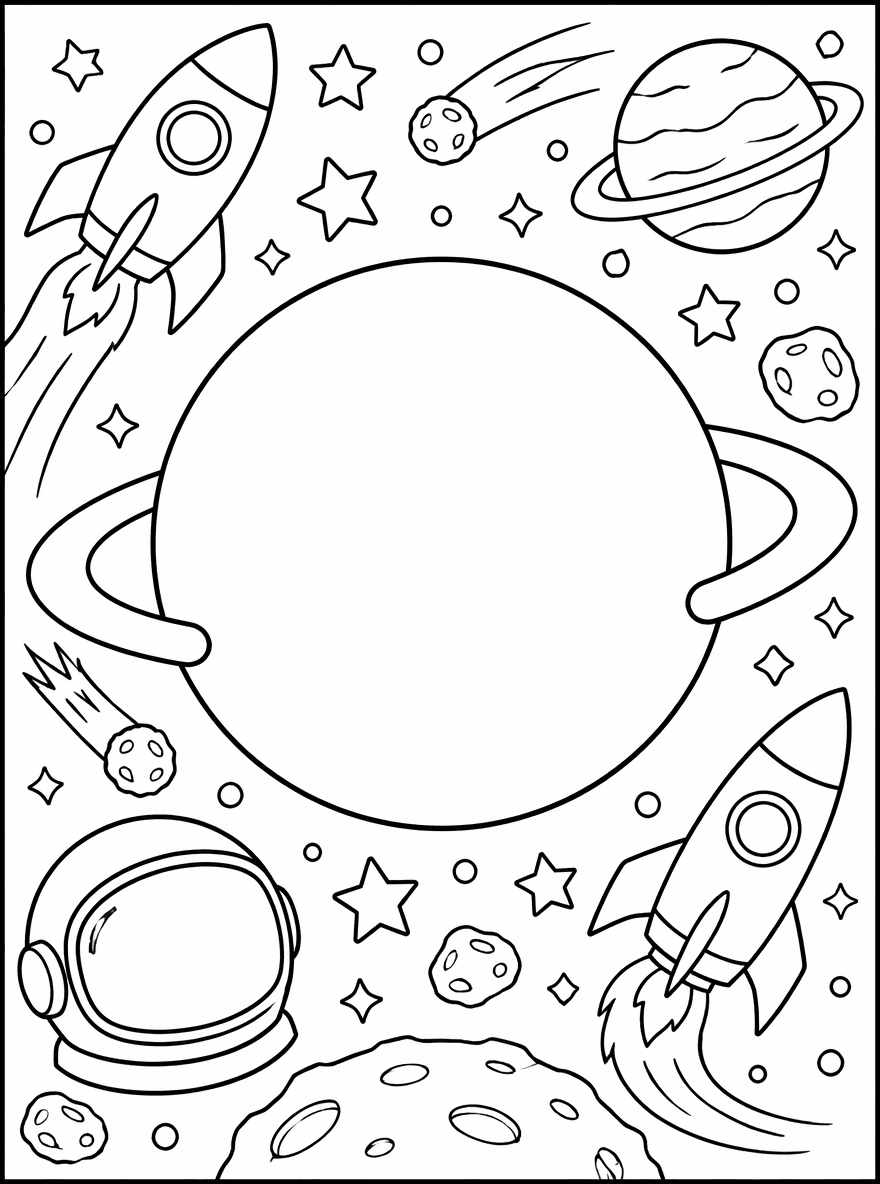
FreeA space adventure template with a planet-shaped name area.
 Free
FreeAn immersive transportation world where the name sits directly between aircraft, trains, and roads without a visible name plaque.
 Free
FreeAn underwater mermaid and ocean frame with a shell-like name area.
 Free
FreeA pets template with cats, dogs, paw prints, and a pet tag area.
 Free
FreeA sports template with a scoreboard-like name panel.
 Free
FreeA summer beach page with a surfboard-style name plaque.
 Free
FreeA winter holiday frame with a gift tag style name area.
 Free
FreeAn original butterfly garden scene with a clean center for a custom name.
 Free
FreeAn original moon mission scene with a clean center for a custom name.
 Free
FreeAn original ocean parade scene with a clean center for a custom name.
 Free
FreeAn original birthday sprinkles scene with a clean center for a custom name.
 Free
FreeAn original flower crown scene with a clean center for a custom name.
 Free
FreeAn original dinosaur discovery scene with a clean center for a custom name.
 Free
FreeAn original rainbow unicorn trail scene with a clean center for a custom name.
 Free
FreeAn original cozy book nook scene with a clean center for a custom name.
 Free
FreeAn original woodland gathering scene with a clean center for a custom name.
 Free
FreeAn original coral kingdom scene with a clean center for a custom name.
 Free
FreeAn original cosmic flight scene with a clean center for a custom name.
 Free
FreeAn original friendly dragon scene with a clean center for a custom name.
Try an example
Choose an example to place it in the editor. These are starting points, not a popularity ranking.
Browse ready-made pages01 · How it works
The editor shows each change before you download, so you can adjust the layout instead of accepting a fixed result.
Use up to 3 lines and keep the complete text within 40 characters.
Select a letter style and template, then adjust the outline, text size, paper, and name position.
Choose an A4 or US Letter PDF for printing, or download a PNG image.
02 · Try an example
Choose an example to place it in the editor. These are starting points, not a popularity ranking.
 Free
FreeSimple Name Frame · Classic Bubble
 Free
FreeRainbow Clouds · Playful Cartoon
 Free
FreeHearts and Flowers · Script Gift
 Free
FreeDinosaur Adventure · Cartoon Hollow
 Free
FreeBirthday Cake · Cute Round
 Free
FreeSpace Adventure · Game Block
03 · Built around the real task
The value is the editable tool and its print files, not a translated block of generic content.
The live preview reflects the selected style, template, outline, paper, size, and position before export.
Use A4 as the main option in Spain, US Letter when needed, and PNG for an image copy.
Paste one name per line and apply one shared design. Members can export up to 30 names in one PDF.
04 · Design choices
Browse all current templates inside the maker. The count comes from the live template library, so it stays accurate as the library changes.
Letter style
Free template library
All current templates are free. Search by theme or choose a category, then apply one to the current name or batch list.
05 · Ideas for your page
Use the editor for a personal page, a celebration, a sign, or a small group of printable sheets.
Choose large open letters for younger users or a script, poster, or detailed style for older users.
Turn a name or short message into printable art for birthdays, gifts, doors, or activity tables.
Create a short multi-page set without adding class lists, accounts, assignments, or student management.
06 · Related tools
Each tool has a different purpose. Choose the one that best fits your project.
Use IA to generate a new coloring page from written instructions.
Open →Turn a photo you have permission to use into black-and-white line art.
Open →Open the colorizer when you need a colored version.
Open →Explore the printable coloring-page library.
Open →07 · Frequently asked questions
Yes. The single-page editor does not require an account. Batch PDF export is a member benefit. PDF downloads are rate-limited, and every file includes a small ColoringDaily domain mark below the main coloring area.
Yes. You can change the text, letter style, template, outline, A4 or US Letter paper, text size, and name position while checking the live preview.
Yes. Batch mode accepts up to 30 names with one name per line. Exporting the batch PDF requires a membership. It is a lightweight export, not a class or student management system.
The free name and batch PDF routes do not save the name text to a database or include it in application logs. Technical logs record values such as text length, template, and paper size.
The preview can show a wider range of Unicode text, but PDF export currently prioritizes Latin characters. If a PDF rejects a character, use supported Latin text or try the on-page PNG export.
It prepares a description from the name and theme, then opens the existing text-to-coloring-page tool. Actual IA generation requires sign-in and uses the credits shown in that tool.
Choose A4 for most printers in Spain. US Letter is also available when your printer or project uses that paper size.


